
Import, export & reports
Projects are portable. TaskForge round-trips a whole project (columns, labels, tasks, assignees, dates) as a single JSON file, and separately renders boards as PDF reports.
Exporting a project
Open the project board, then actions menu → Export JSON. The download contains everything needed to rebuild the board:
{
  "name": "Platform Relaunch Q1",
  "description": "...",
  "status": "active",
  "priority": "high",
  "statuses": [
    { "name": "Backlog", "color": "#6b7280", "is_terminal": false },
    { "name": "Done", "color": "#10b981", "is_terminal": true }
  ],
  "labels": [{ "name": "backend", "color": "#d97706" }],
  "tasks": [
    {
      "title": "Ship the new API gateway",
      "status": "In Progress",
      "priority": "high",
      "labels": ["backend"],
      "assignees": ["alice@taskforge.dev"],
      "start_date": "2026-07-01",
      "due_date": "2026-07-18",
      "progress": 60
    }
  ]
}
Use it for backups, for moving a project between organizations, or as a template: a "new client onboarding" board you re-import for every engagement.
Importing a project
Actions menu → Import, pick a JSON file, and TaskForge shows a preview before writing anything:
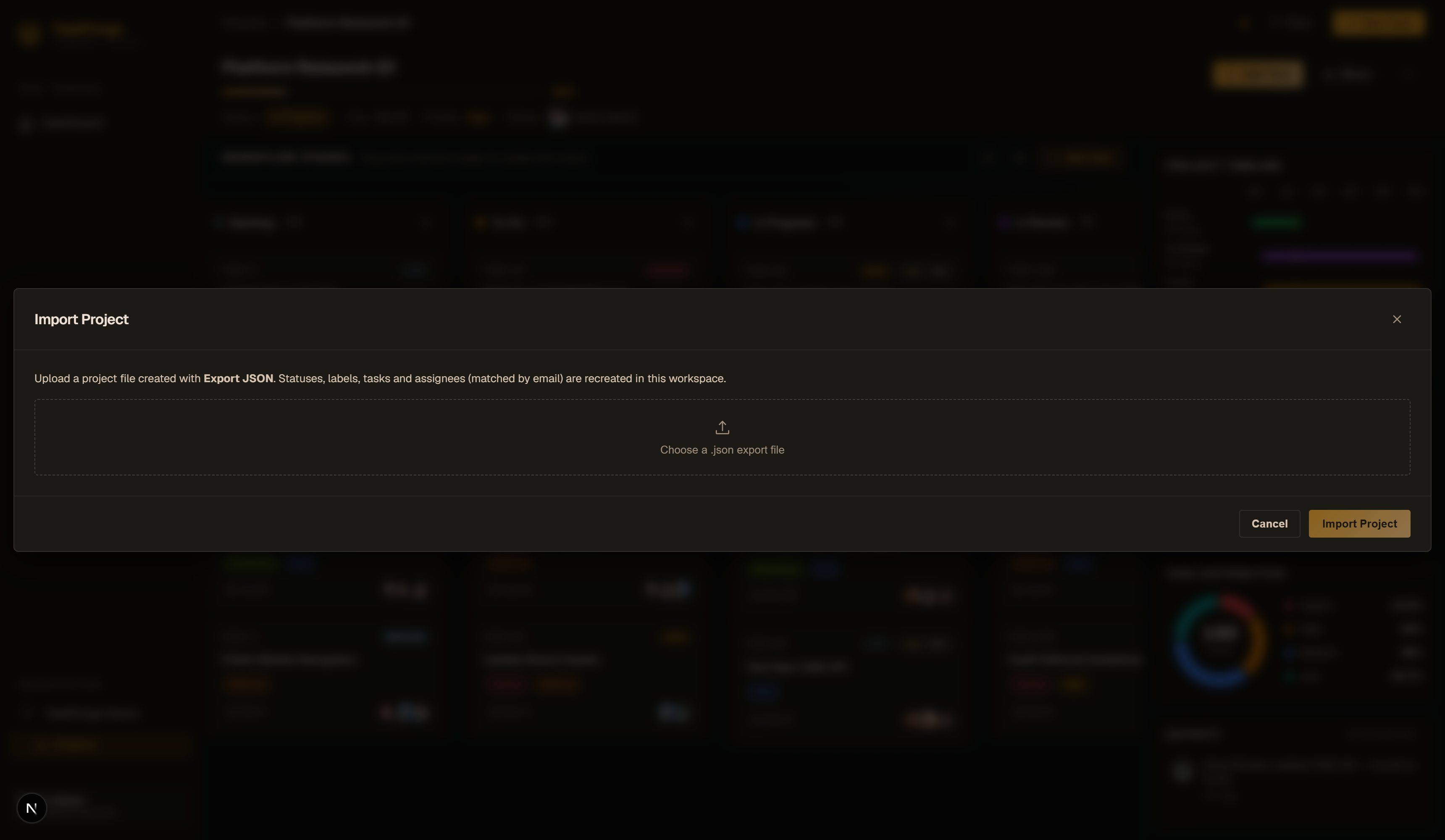
The preview lists what will be created (columns, labels and task counts) so a malformed or unexpected file never lands on your board by surprise. Confirm to create the project.
Assignees are matched by email: existing users are linked, and unknown emails are created and added to the organization, so templates travel cleanly between teams. Files are capped at 5 MB, and malformed JSON is rejected with a clear error before anything is created.
PDF reports
Actions menu → Export PDF produces a printable snapshot of the board. Generation runs server-side: the button creates a report job, shows Generating PDF… while the server renders it (a couple of seconds for a large board), then switches to Download PDF.
Scripting it
Both directions are plain API calls, so you can automate them: nightly backup of every project, or seeding boards from CI.
# Export (JWT + org header, see the API reference)
curl -H "Authorization: Bearer $TOKEN" \
     -H "X-Organization-Slug: acme-inc" \
     https://taskforge-api-mu6x.onrender.com/api/v1/projects/$PROJECT_ID/export/ \
     -o backup.json

# Import
curl -X POST -H "Authorization: Bearer $TOKEN" \
     -H "X-Organization-Slug: acme-inc" \
     -F "file=@backup.json" \
     https://taskforge-api-mu6x.onrender.com/api/v1/projects/import/
Endpoint details live in the API reference.